iPhone app
DiskPlan
 DiskPlan
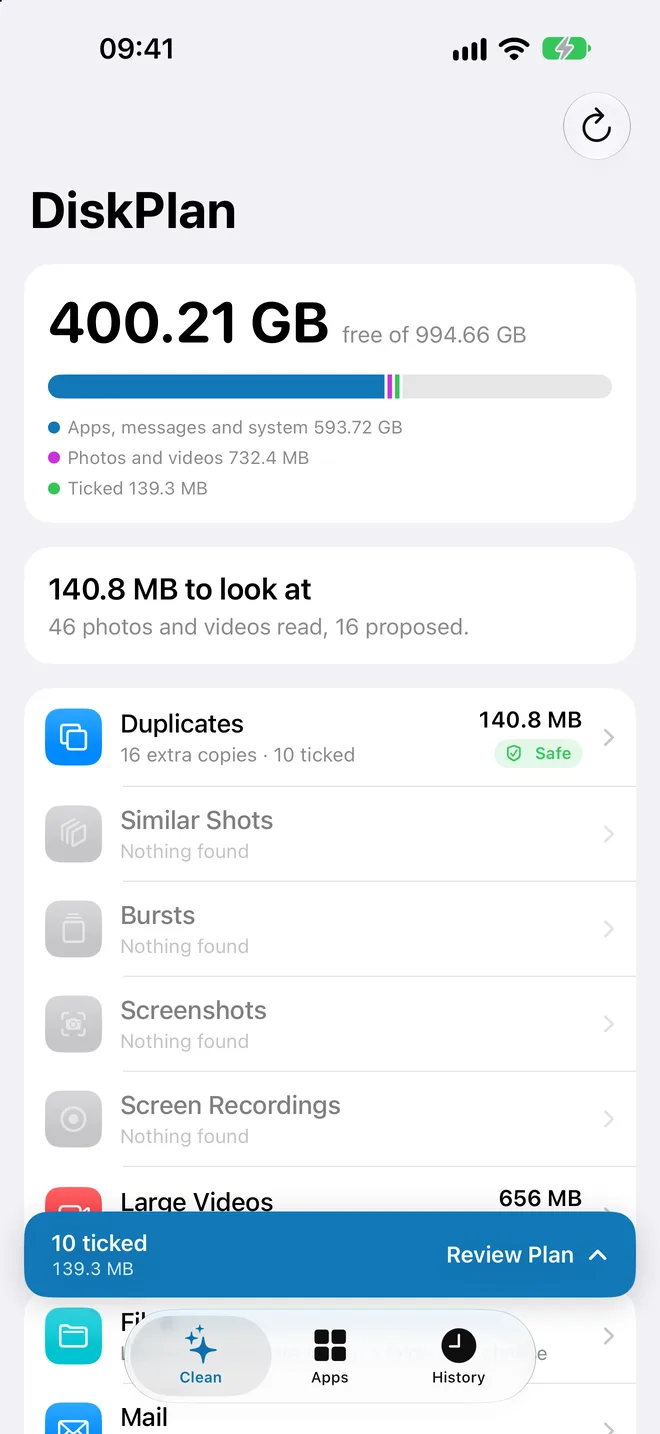
Find what fills your iPhone, and free it in a few taps.
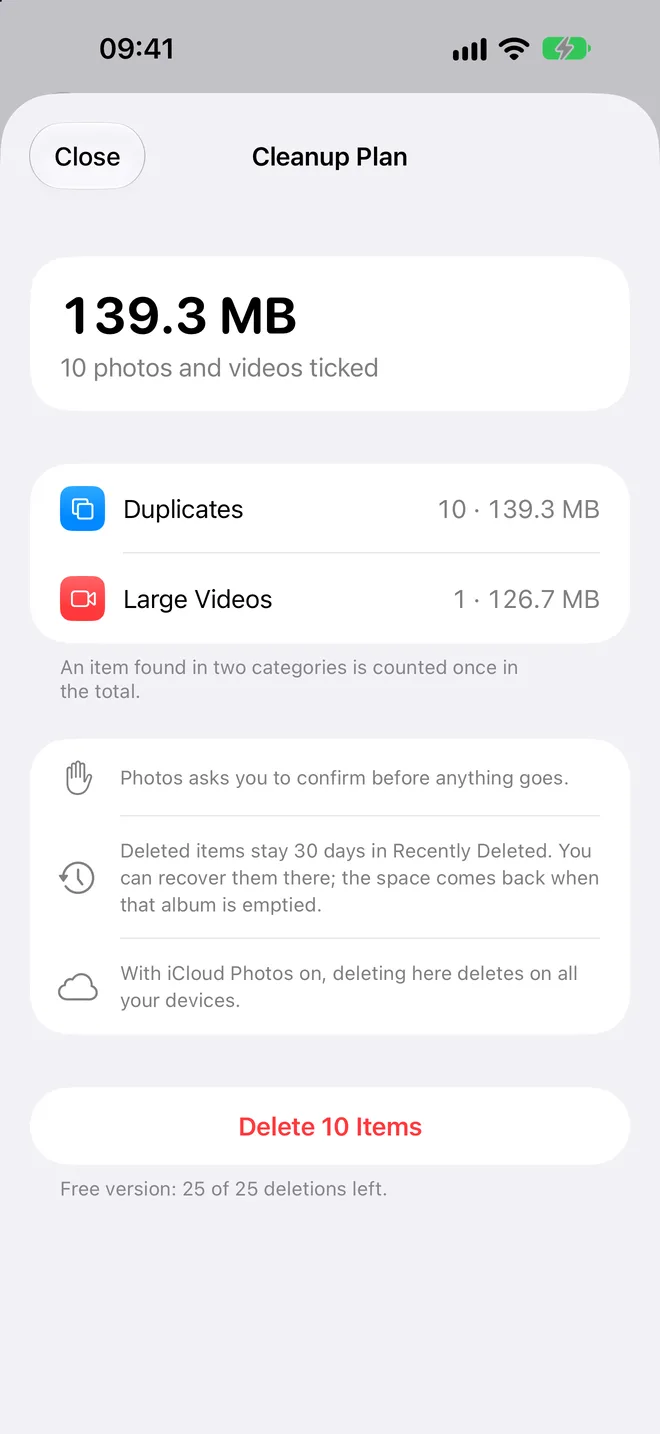
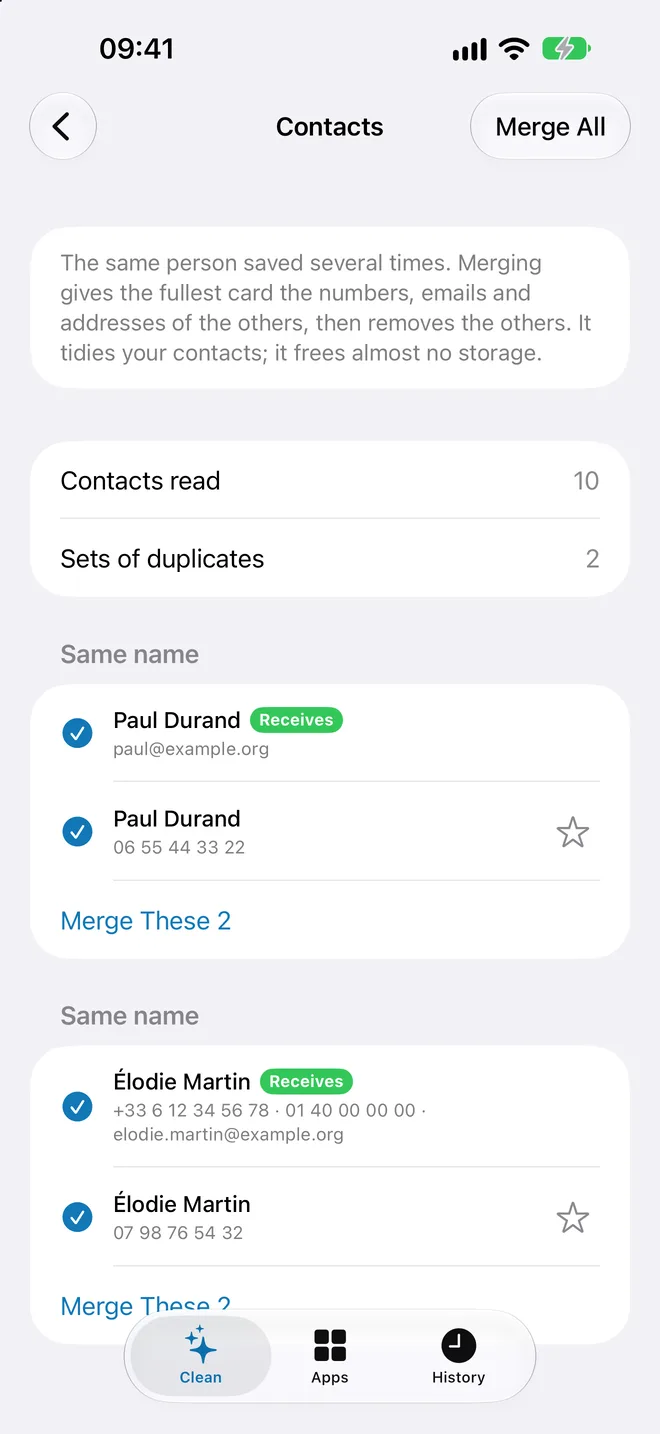
Duplicate and similar photos, bursts, blurry and dark shots, screenshots, what chat apps saved, the heaviest videos, large files and mail, duplicate contacts. Live Photos and heavy photos are made smaller instead. A scan only reads: nothing is removed until you tick it and confirm, and deleted photos stay 30 days in Recently Deleted.
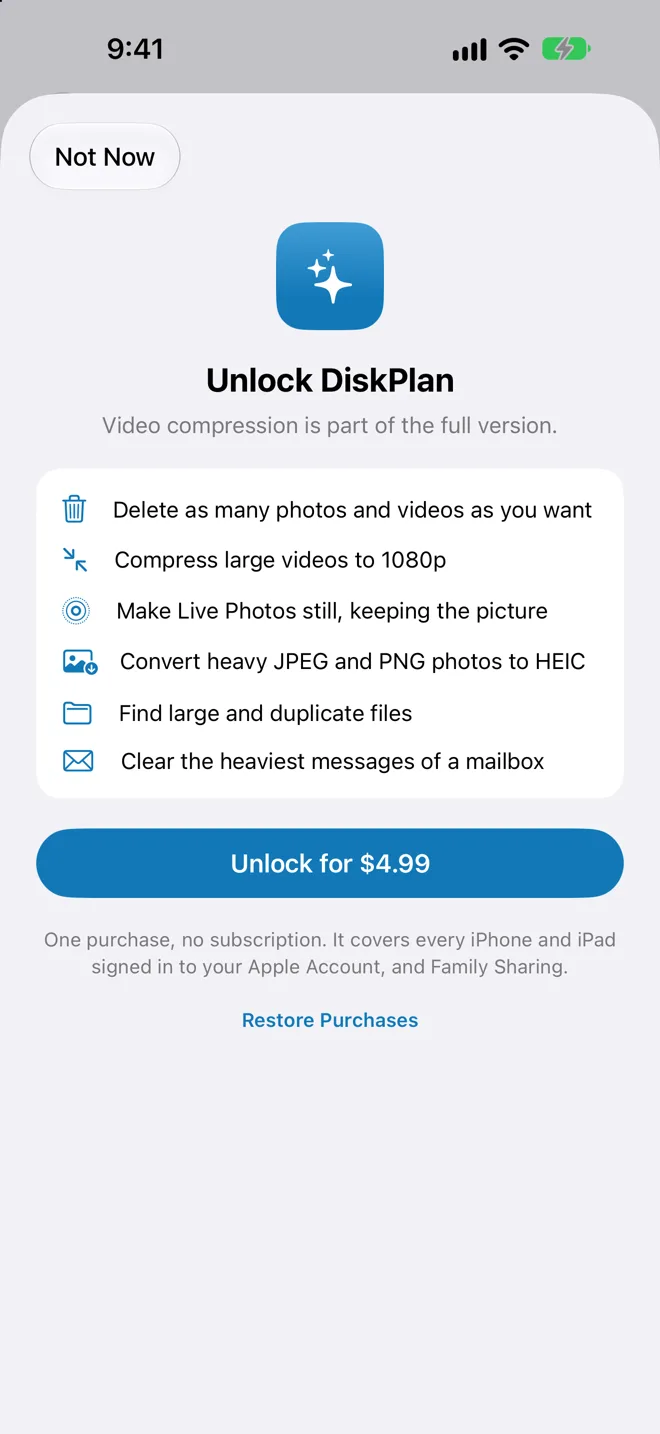
Free to scan, and to delete your first 25 photos and videos. One purchase, with no subscription, unlocks unlimited cleanup, video and photo compression, Live Photos to still, Files and Mail, with Family Sharing. iOS 17 or later, in English and French.

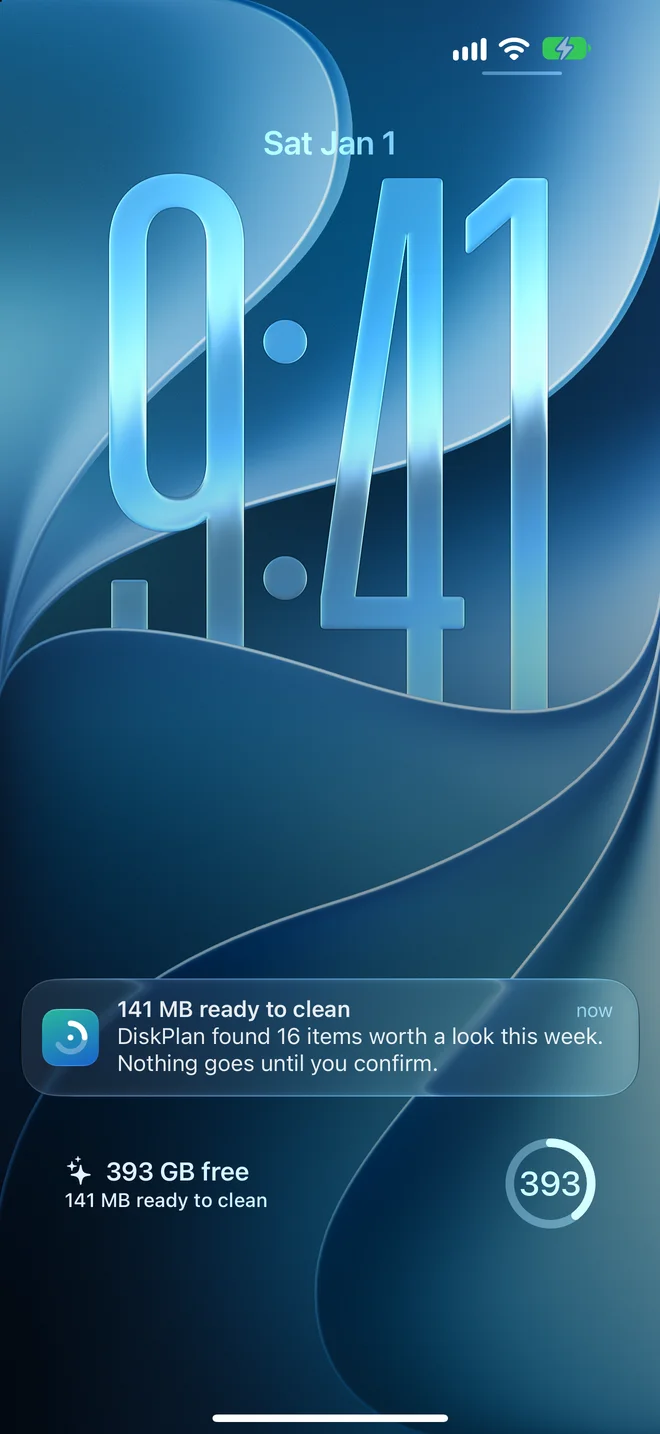
Widgets for every size
Your storage at a glance on the Home Screen, the Lock Screen and in StandBy. Each one opens the right screen of the app.
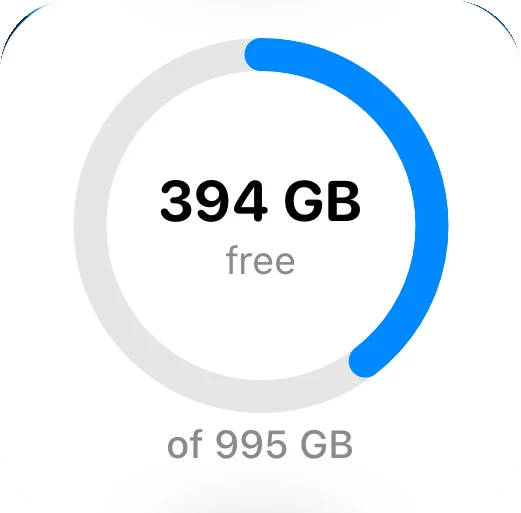
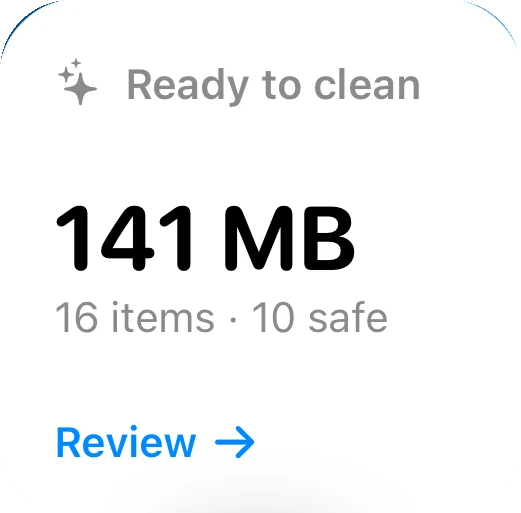
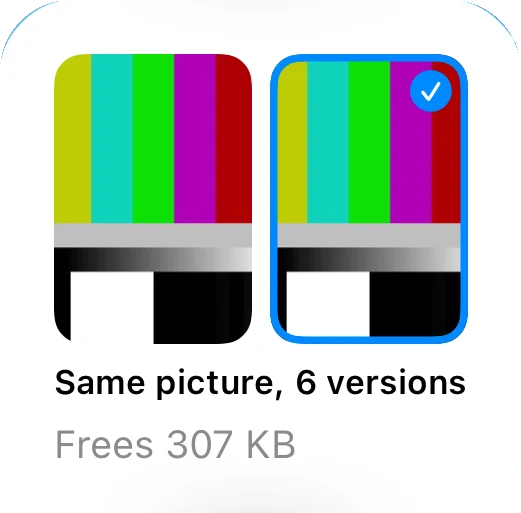
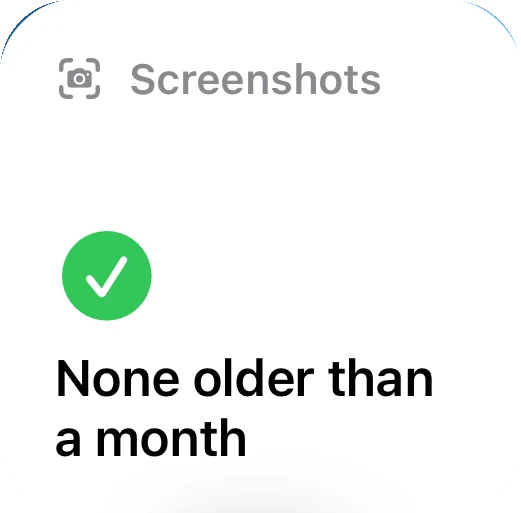
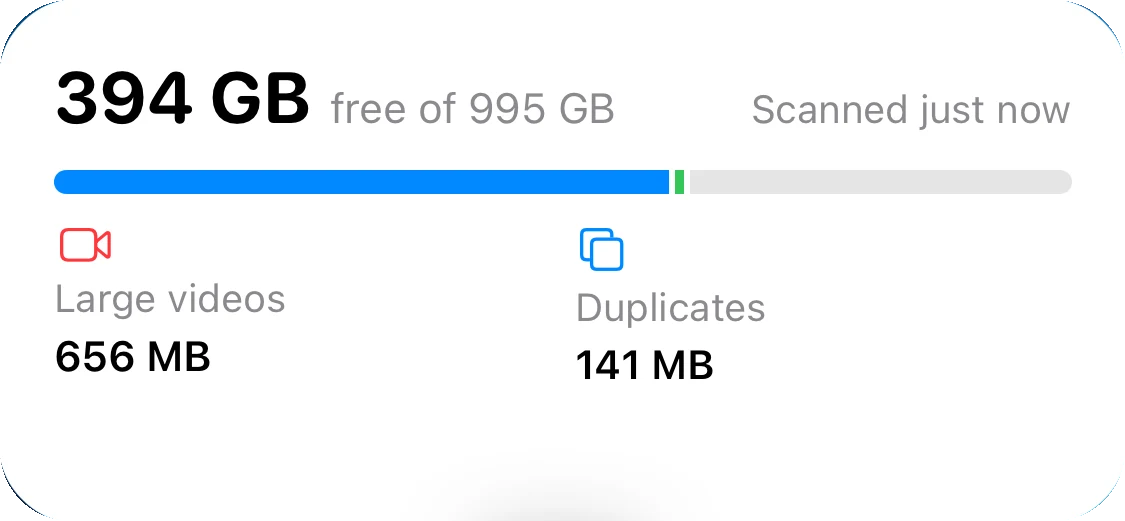
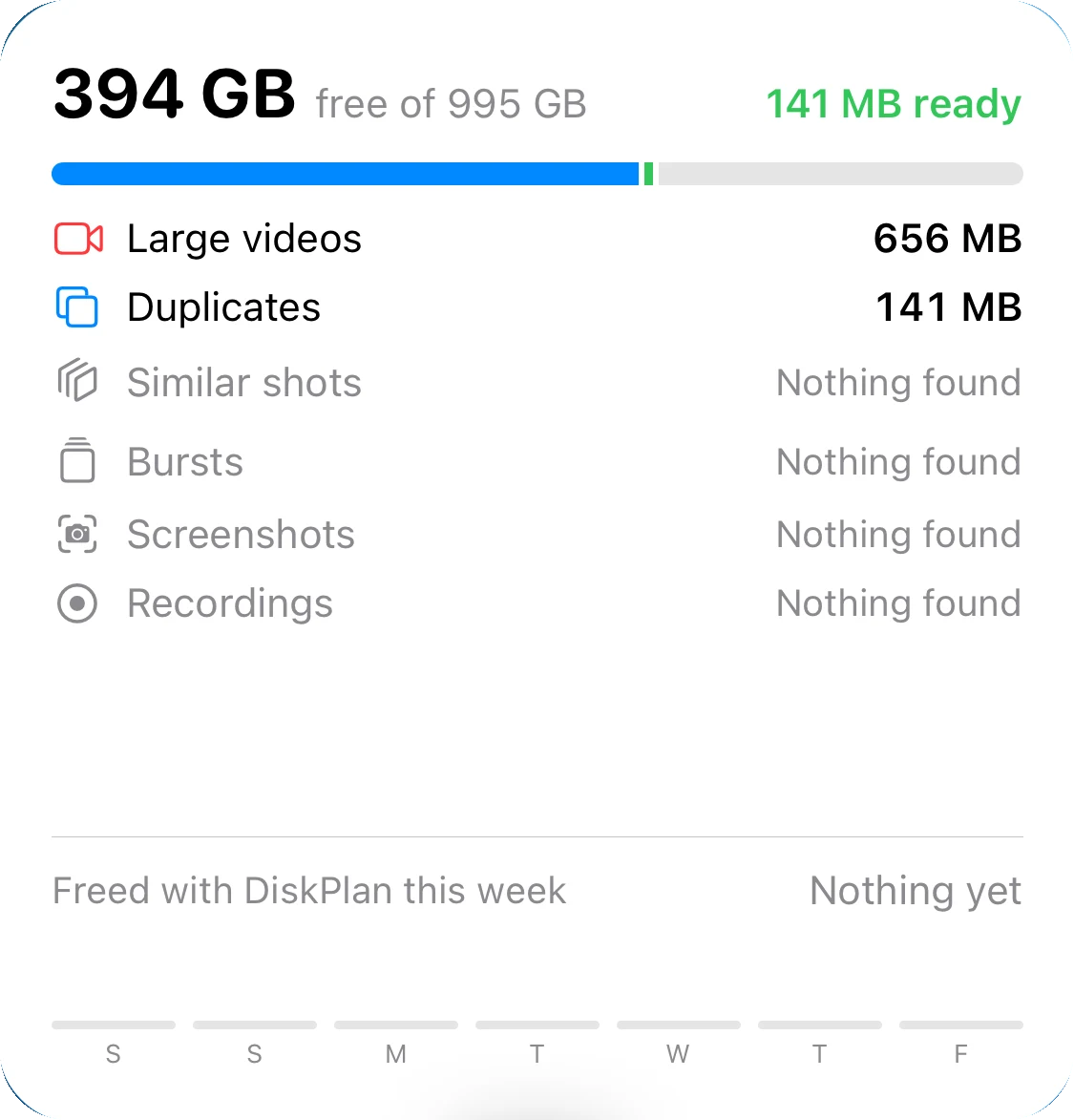
- Turns amber when space runs low, and names what could go
- A different duplicate photo every day
- Refreshed at night while your iPhone charges
Ask Siri
“How much space is left in DiskPlan” answers aloud. “Free up space with DiskPlan” opens your plan. Works in Shortcuts and automations too.
A Sunday reminder
Off until you turn it on in Settings. On Sunday morning, it says what is ready to clean, and stays quiet when there is little.
A scan at night
While your iPhone charges, DiskPlan can scan again, so the widgets are right when you wake up.
New in version 1.2
Long bursts in one tap
One button ticks every shot of a burst except the best one, with Undo. See All opens the whole group as a grid, and the heaviest groups come first.
Keep the one you prefer
Touch and hold a photo to keep it instead of DiskPlan's suggestion. The choice is remembered at the next scan.
Settings, privacy first
Behind the gear on the Clean tab: what DiskPlan does with your data and the access it has, your purchase, your reminders, and the categories you want to see.
New in version 1.1
Make photos smaller
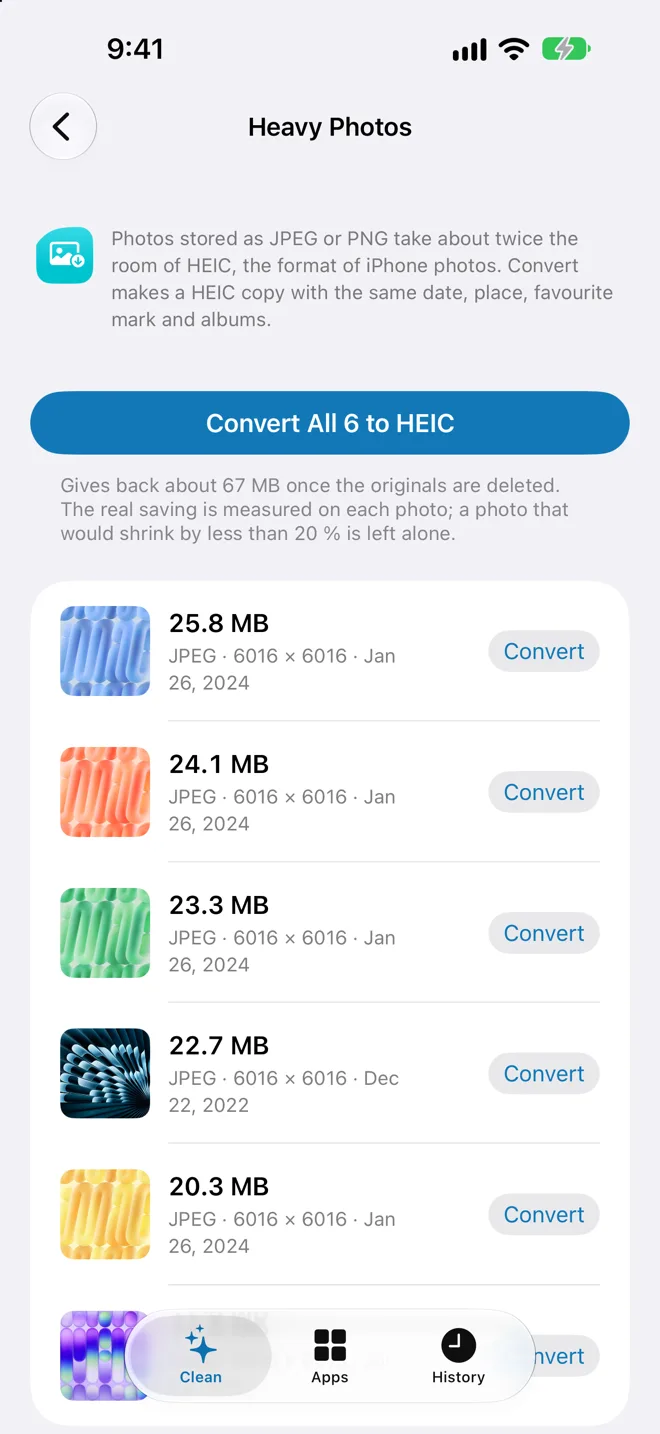
Live Photos keep the picture without their video. Heavy JPEG and PNG photos become HEIC at about half the size. Date, place, favourite and albums are kept.
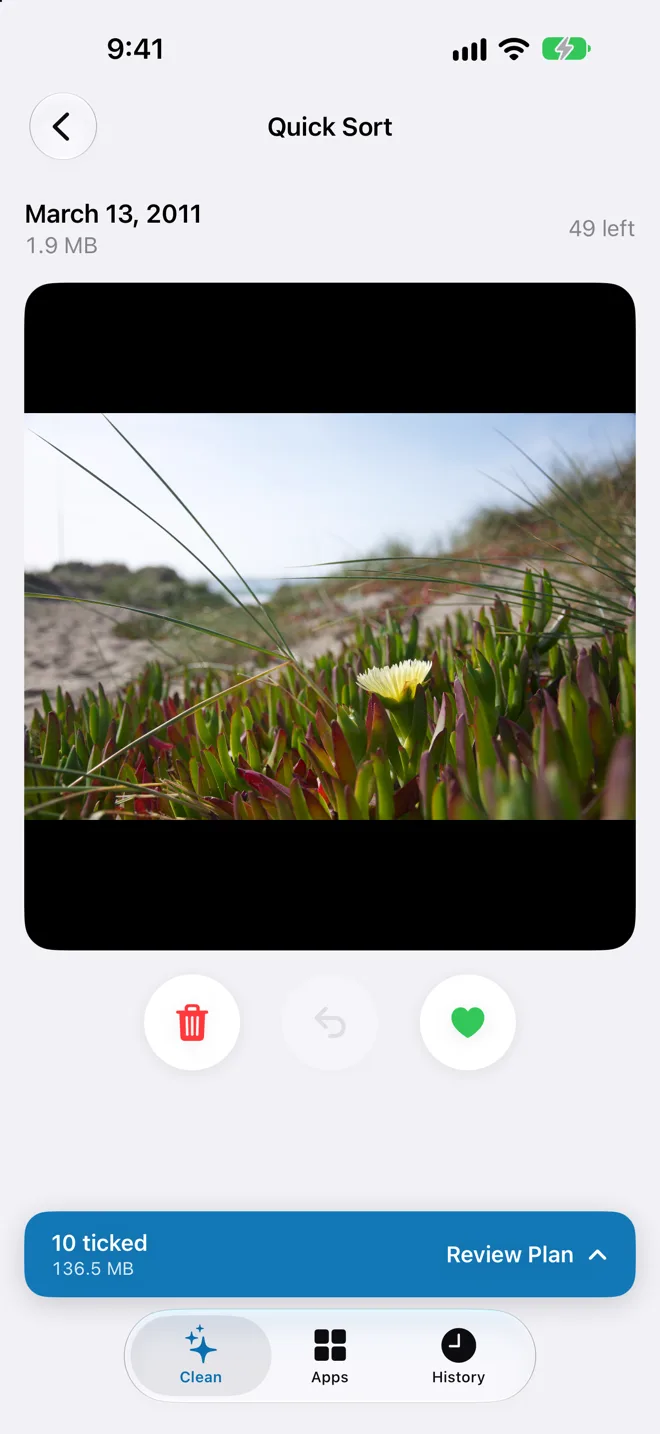
Quick Sort
Swipe through your photos, oldest first: left to delete, right to keep. What you keep never comes back.
Bad shots and chat leftovers
Blurry and dark photos, and what WhatsApp, Telegram and other chat apps saved, each in a category of its own.
Inside the app
What no iPhone app can do
iOS keeps every app's data in a private space that no other app can open. No app from the App Store can empty WhatsApp, Messages or System Data, whatever it promises. DiskPlan recognises the heavy apps you have and takes you to the screen where each one clears its own storage, and to the iPhone settings that free space.